What Is Meta Pixel and Why Does It Matter for Facebook Ads?
The Meta Pixel is what connects your ad spend to real business outcomes. Without it properly set up, Facebook has no idea whether your ads are working.
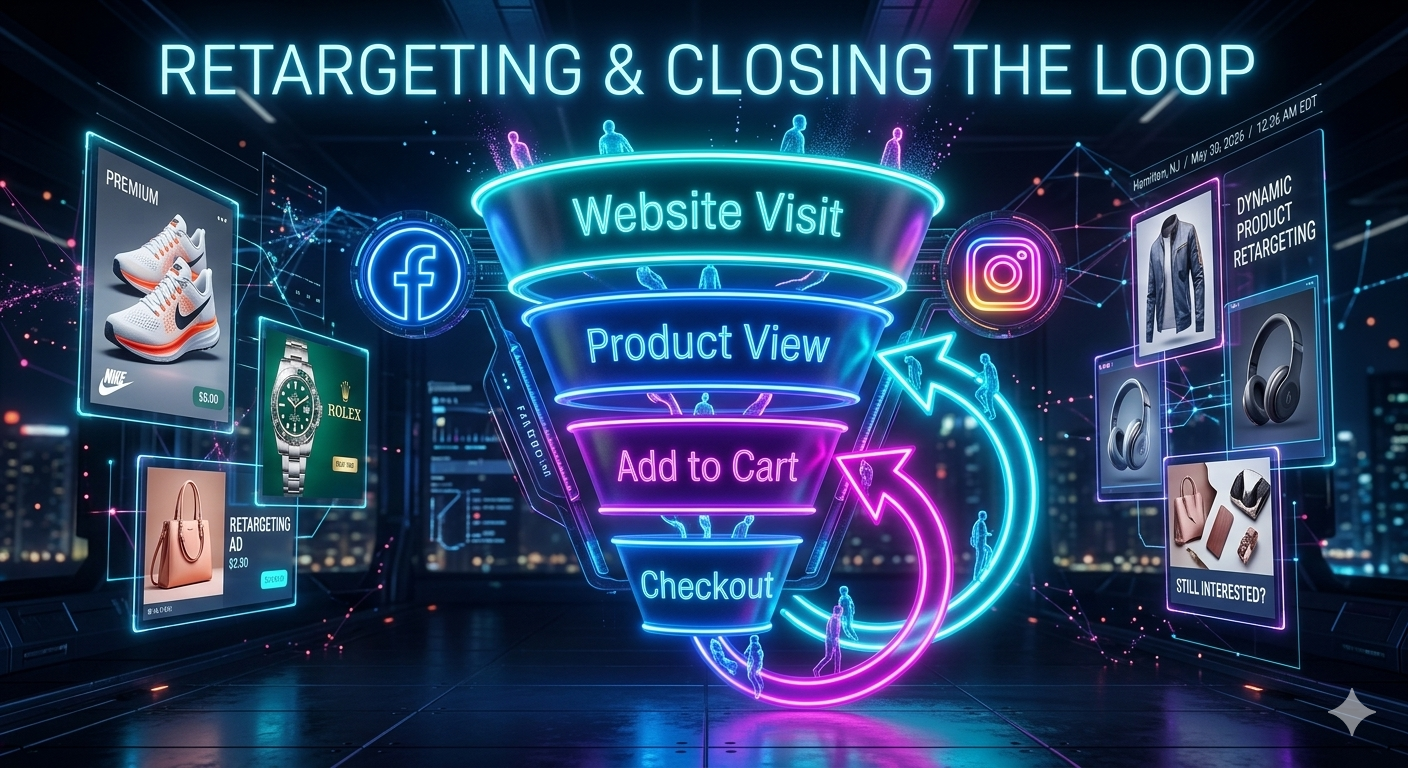
The full Meta funnel: cold audience prospecting, warm retargeting, and dynamic product ads that close sales.
The Meta Pixel is a piece of JavaScript code you install on your website to track visitor behavior. It tells Meta when someone views a product, adds to cart, starts checkout, or completes a purchase.
Without the Pixel, Meta has no idea whether your ads are working. You can spend $5,000 on Facebook and Instagram ads, but if the Pixel is not installed or firing correctly, Meta cannot track conversions and your campaigns cannot optimize.
The Pixel enables conversion tracking, retargeting, and lookalike audiences. Conversion tracking shows you which ads drove purchases. Retargeting lets you show ads to people who visited your site but did not buy. Lookalike audiences let you target new people similar to your best customers.
Installing the Pixel is not enough. You need to configure events correctly. If your Pixel fires a Purchase event every time someone lands on your homepage, your data is garbage and your campaigns will optimize toward fake conversions.
The Pixel also powers dynamic product ads for e-commerce. If someone views a specific product on your site, Meta can show them an ad featuring that exact product. This only works if the Pixel is sending product IDs correctly.
iOS 14 privacy changes broke Pixel tracking for many advertisers. Users can opt out of cross-site tracking, which means the Pixel cannot follow them after they leave your site. Your conversion data is now incomplete, and Meta's algorithms have less signal to work with.
Even with tracking limitations, the Meta Pixel is still essential. It is the only way to measure performance and build retargeting audiences. If you are running Meta ads without the Pixel installed, you are flying blind.